
Hi!
I'm Elena, an Italian photographer, filmmaker and writer with very few coding skills. Despite this, for the past year I have been able to self-host many essential services: social media accounts (microblogging, photo sharing, video sharing), a LinkTree alternative for all my links and a powerful private file hosting service.
How was I able to do all this?
Simple: with YunoHost, a system that anyone can easily install on a server with little technical knowledge and that gives people access to hundreds of free, open source apps.
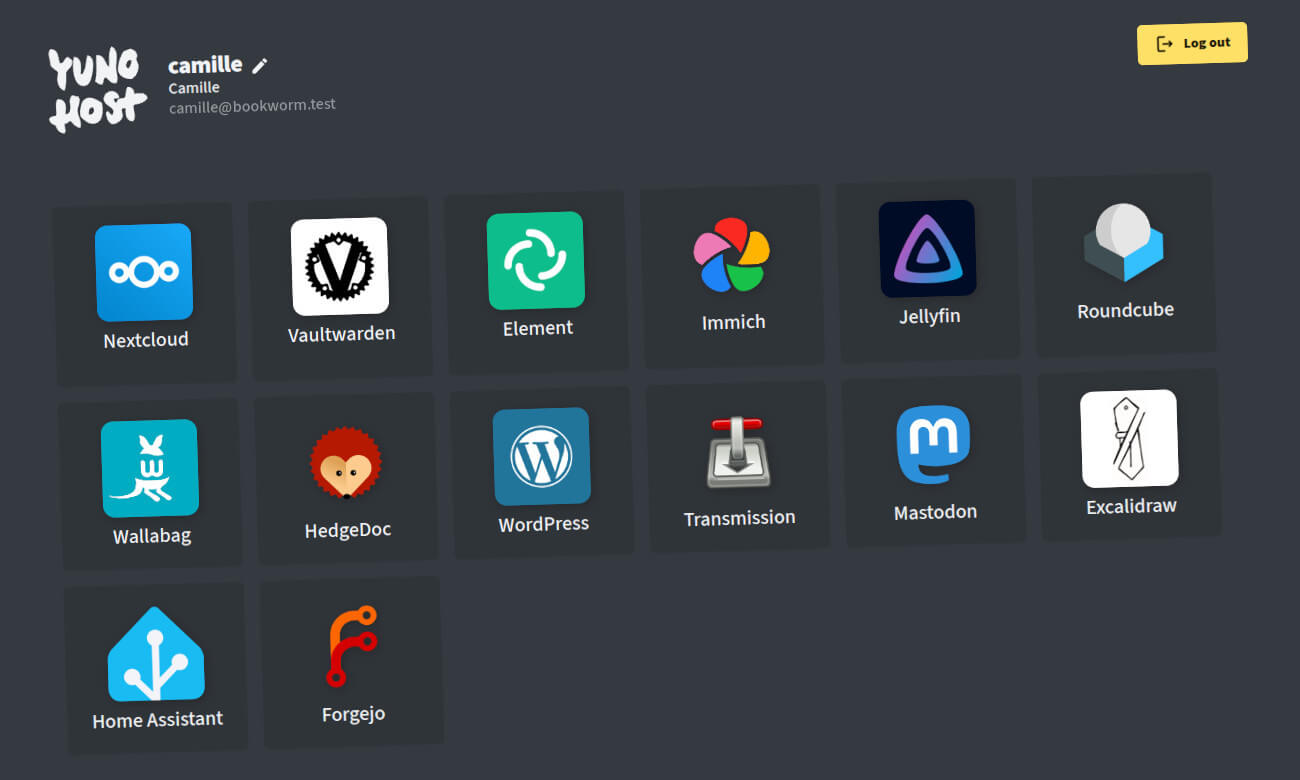
I had been curious about the world of self-hosting since joining the Fediverse in November 2022. Truth be told, when I was on Big Tech social platforms I had never come across the concept of “self-hosting”. But on the Fediverse, this is something that many people raved about. It just seemed so unattainable to me, a regular person without any coding skills. YunoHost changed all that.
What to Expect
This is the first post in a 4 part series that aims to inspire and encourage anyone curious about self-hosting to follow my steps. Here is what to expect:
- Part 1 (this post) will cover: why self-host? And what are the things you need to get started on this journey?
- Part 2: How to install YunoHost and associate a domain to it
- Part 3: How to install and set up NextCloud, a file hosting service (and so much more)
- Part 4: How to backup your system
It’s worth repeating that I was a complete newbie a year ago. I still feel that way in many respects.
It took me a long time to get started because I thought that self-hosting was complicated and unattainable for someone like me. Most guides out there are written by highly skilled people with a background in programming. I couldn’t find anything written in simple, accessible terms from the POV of a true newbie. And that’s why I’m writing this… I’m a newbie (ok, semi newbie) and I still speak your language.
I think that breaking up the process in 4 parts will make the endeavor more accessible and appealing to fellow newbies.
When a lifetime ago I embarked on a journey to make a feature-length documentary with interviews in 8 countries, across 4 continents (hello The Illusionists), the whole endeavor seemed so difficult - impossible even. But breaking the project down in small tasks made it appear manageable. Self-hosting is the same thing (but a lot easier!)
Why self-host?
Fully owning your data and being able to use it in an independent, autonomous way is a very powerful thing.
In this day and age the term “digital sovereignty” is being evoked more and more by governments, public institutions and activists… they are warning about the dangers of having their data locked-in by Big Tech platforms.
Some concrete examples: the devolution of Twitter into X. I had been on Twitter for 14 YEARS when a billionaire with questionable intentions decided to purchase it. The platform immediately became hostile to people like me – a progressive activist. I had no choice but to leave. Was I able to take my followers, my following list and my posts with me? Of course not. X is a walled garden. This is why I find the Fediverse so appealing: open, interoperable systems that offer data portability.
Thanks to YunoHost I have become the admin of my own social platform: aseachange.com, a micro-blogging platform powered by GoToSocial and connected to the whole Fediverse. The first few days since creating that instance I would look at myself in the mirror and proudly smile, thinking: “I’m the admin of my network. Nobody can come in and take this away from me.” And that’s a very empowering feeling.
No billionaire can now interfere with my social media experience. But there are other reasons to self-host, like: saving money and having control of your files.
Up until November of last year, I used to pay Dropbox.com over 120 Euros a year for their cloud storage. It seemed a little excessive while being a filmmaker / film editor on hiatus. I decided to download all my data to a 12TB drive… and use Proton Drive for essential files I wanted to keep in the cloud, since I was already paying Proton for my email.
Well, downloading all my data from Dropbox proved long and tricky, since some folders and files were only in the cloud. Three weeks and almost one terabyte of data later, I finally had all my files on a computer, easily accessible with a simple search. Awesome!
Then I decided to upload some essentials to Proton Drive and little did I know, Proton Drive automatically deleted them from my computer without asking, only keeping them in the cloud. Never again, I thought!
Now all my files are on that 12 TB drive, which syncs daily with a portable drive… and whenever I go to my in-laws’ or my parents in Italy, I bring that portable drive with me and I sync all my files with drives I keep there. I have an offline system… but I also use a self-hosted NextCloud instance as a replacement for Google Drive, Dropbox and WeTransfer. I feel back in control.
Technical Requirements to get started
There are so many different ways to self-host. Here I’d like to share with you what I’m using - and have been using successfully for a year - with zero complaints.
- a VPS (virtual private server) that I pay 5 Euros a month for
- a domain name (i.e. elenarossini.com)
Sure, the YunoHost guide explains that you can use a Raspberry Pi or re-purpose an old computer to use as a server. But remember, this is a guide for NEWBIES. I tried doing things that way and it added extra complication to the process. When you use a virtual private server that takes a lot of worry and maintenance out of the equation. It just works. You don’t have to think about uptime, connectivity issues or exposing your home network to the world wide web.
You don’t have money for a domain name? The YunoHost documentation says you can use .nohost.me, .noho.st and ynh.fr domains which are offered by the YunoHost Project. But I find that it’s far more empowering to own your own domain name. And with some providers you could get a domain name for as little as one Euro A YEAR. Sure you can spare one Euro for a whole year?
VPS Providers
I’m passionate about digital sovereignty and independence from U.S. tech giants especially following political events from last year.
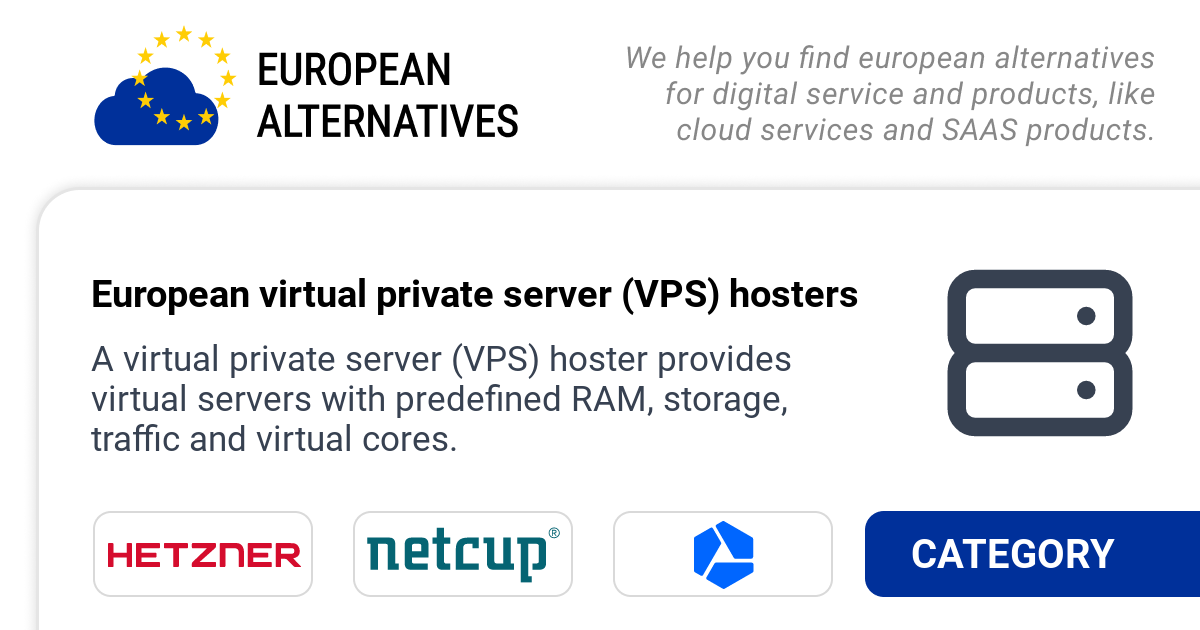
All the self-hosted services I use (VPS and domain name) are from companies based in Europe. There is a superb website called European Alternatives that lists multiple categories of digital services you can sign up for:
For VPS providers, I have tried and extensively used Hostinger, OVH and Hetzner.
Hostinger is ideal for true beginners
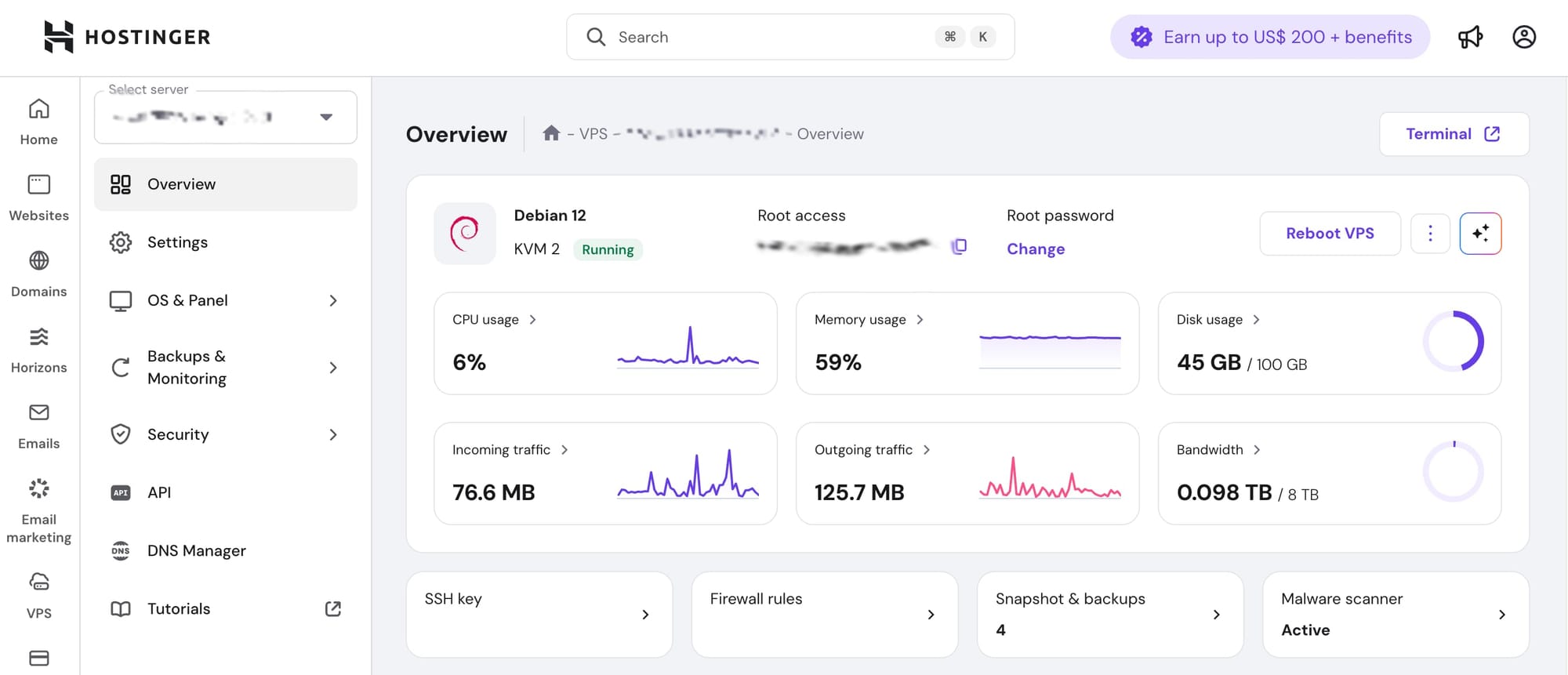
For a true newbie, I would recommend Hostinger as it has a beautifully designed dashboard that is intuitive - for anyone - and direct access to a virtual terminal that you open up in your browser. You can add automated daily backups for as little as 2.99 a month. If you’re just starting out with self-hosting and don’t exactly know what you are doing, I would recommend going with Hostinger even if it’s a little more expensive than other providers. Everything in its interface is simple and clean and easy to understand.
Hostinger’s most basic plan (KMV1) for 5.99 a month is a beast: I had multiple projects running on it with zero hitches (microblogging, photo sharing, file sharing). I eventually had to upgrade to a higher tier because of PeerTube (video hosting requires a lot of bandwidth). But otherwise I would have stayed on the most basic plan. It’s really good.
The direct link to sign up to a basic VPS on Hostinger:
 Hostinger
(disclaimer: it’s a referral code and I get a little commission if you use it… but you also get an extra 20% off)
Hetzner is the solid choice for more advanced users
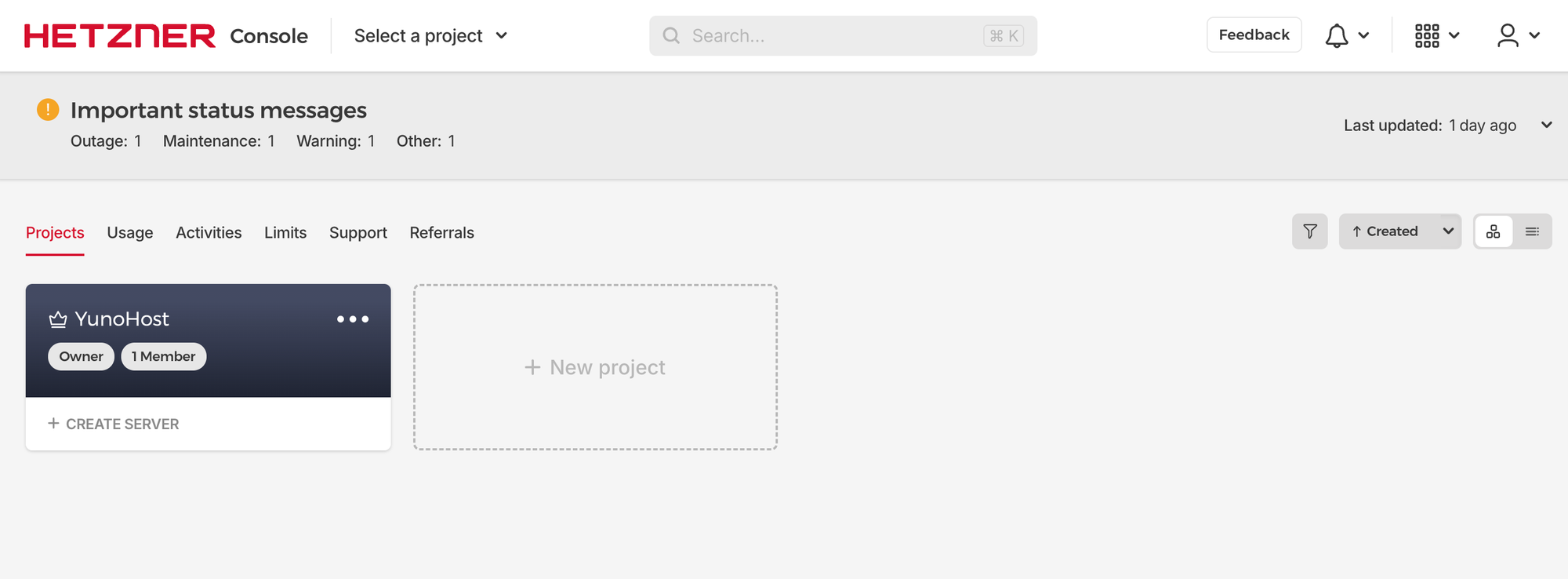
Hetzner is now my new favorite VPS provider because it has a LOT more options and you can easily start and stop servers and start over… as well as add multiple servers and projects. But this is something for more advanced users. Creating an account on Hostinger takes a few minutes; on Hetzner you have to jump through a few hoops: they want you to verify your identity by uploading a government ID… or pre-paying 20 Euros via Paypal.
Once in, I was initially a little lost with the dashboard and all the options it showed. I would recommend it for more advanced users and if you want to get more value out of the money you are spending. With Hetzner you need to use the real Terminal app on your computer… so again, proceed with caution if you are a total newbie, as it may be a little more complicated than necessary for you.
I don’t have a referral code for Hetzner but the amazing Ozoned - host of Fireside Fedi - does… so if you use this, he gets a little commission.
The most basic plan will do (I will explain below what to do, step by step).
Are you ready? Have you decided whether you want to use Hostinger or Hetzner? In the following steps I will explain what to do for each. Obviously you only need one VPS. Hostinger is my recommended choice for true newbies and Hetzner the one for more advanced users or if you want to save money long-term.
Signing up for a VPS on Hostinger
Purchase a basic KMV1 plan (the longer the duration, the cheaper the plan will be).
Then, once you have your VPS, you proceed to:
- Choose server location: the one geographically closest to you
- Choose an operating system: Debian — version 12 (by default it’s 13, but it doesn't work with YunoHost yet)
- Secure your VPS access: for now, for a true newbie, I would create a strong root password (you can always add an SSH key later, plus YunoHost disables root access)
Signing up for a VPS on Hetzner
On Hetzner, if you selected to pre-pay 20 Euros to verify your identity, you're all set to go. Log in to your account, create a new project (you can name it whatever you’d like) and then select “Create a server”.
Then select:
- Cost-optimized
- x86
- the most affordable plan (in my case it showed CX23, 4GB of RAM, 40GB of disk space for 3.59 a month)
- Location: the one geographically closest to you
- Image: Debian 12 (very important! the default is 13 but it won’t work)
- Keep IPv4 and IPv6 checked
- Optional: give the server a name
This may seem controversial but again for a TRUE NEWBIE I wouldn’t recommend setting up SSH keys… they add an extra layer of complexity if you don’t know what you are doing. The YunoHost project has security built in with disabled root access and Fail2Ban automatically installed. So dear experienced sysadmins, if you read this and you shudder: I understand! But there’s no need for someone starting out… plus you can always add an SSH key later.
Then click on “Create and Buy Now” and a new server will be generated for you by Hetzner. You’ll get the username and password via email.
Domain Name
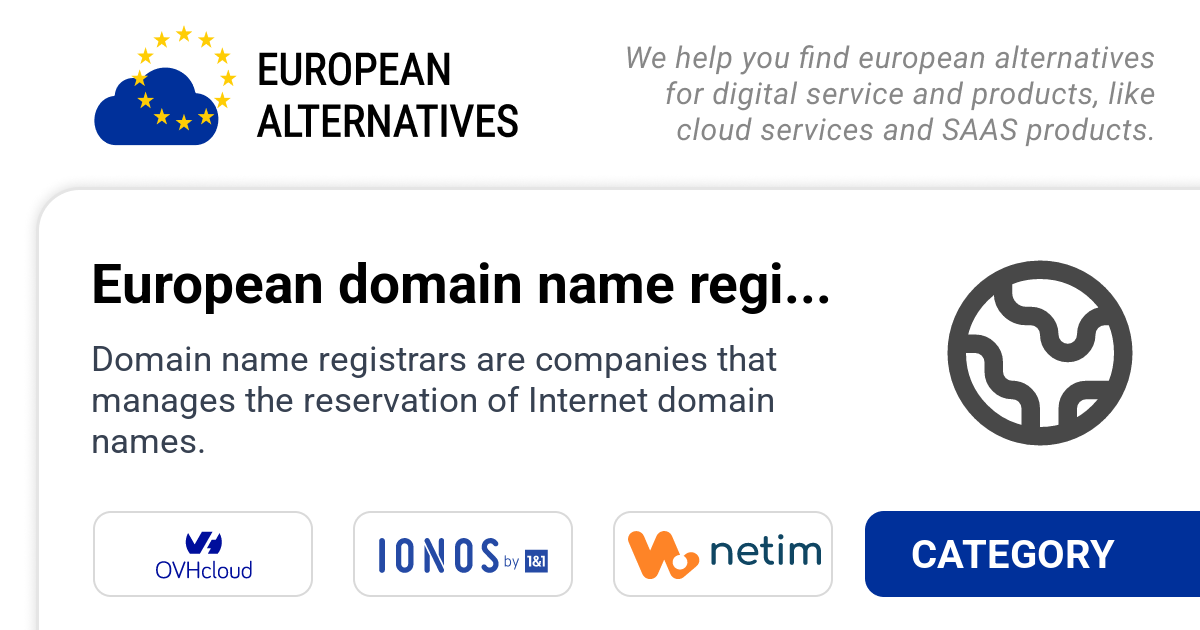
The site European Alternatives also lists domain name providers based in Europe:
If you use Hostinger for the VPS, for simplicity’s and convenience’s sake I would stick to it for the domain name, too. Everything in one place.
Otherwise I have also used IONOS and found some great deals with them: a domain for 1 Euro a year!

Requirements: Mindset
The most important requirement in this brand new self-hosting journey is not hardware or digital services, it’s the right mindset.
You can do this. Even if you have little technical knowledge.
For years I thought that self-hosting was impossible for someone like me - a regular person with little coding skills (aside from CSS and HTML). Thing is, it’s in the vested interest of Big Tech companies to make everybody think that self-hosting is very complex, difficult to execute and expensive. "Come to our walled gardens where everything is simple and 'free'" they seem to say. Of course, a convenient illusion for them.
Trust me, after a year of doing this I can confidently say that anyone can self-host with YunoHost in a safe, simple and empowering way.
The thing that instilled confidence in me a year ago was a YouTube tutorial by a YunoHost user who proclaimed several times: “It’s so easy to install and use, even a child could do it.” The video maker used the terms “extremely simple” several times throughout the video… and that’s what finally gave me the courage to get started. Spoiler alert: it was super easy.
All you have to do for this first step is sign up for a VPS, select a very basic plan with Debian 12 and purchase a domain name for your new empowered digital life.
In the next chapter I will show you how quick and easy it is to install YunoHost and associate to your installation a domain name for admin purposes… and one for the first app you’re going to install. You only need ONE top level domain… you can create multiple subdomains for apps you are going to use or for the admin login.
If you’re confused by anything I wrote do not hesitate to reach out.
And dear sysadmins if you read through this and shuddered multiple times (especially in regards to security): I’m sorry! But extremely complex technical explanations never did anything for me. I was scared many times over by well-meaning people on the Fediverse who warned me of all the catastrophic things that could happen with lax security. So far so good with YunoHost. It’s important to show true newbies that this is something accessible to all, easy and safe.
Onwards and upwards!
Elena
Dec. 17, 2025 update – check out part 2 here:
 Elena Rossini
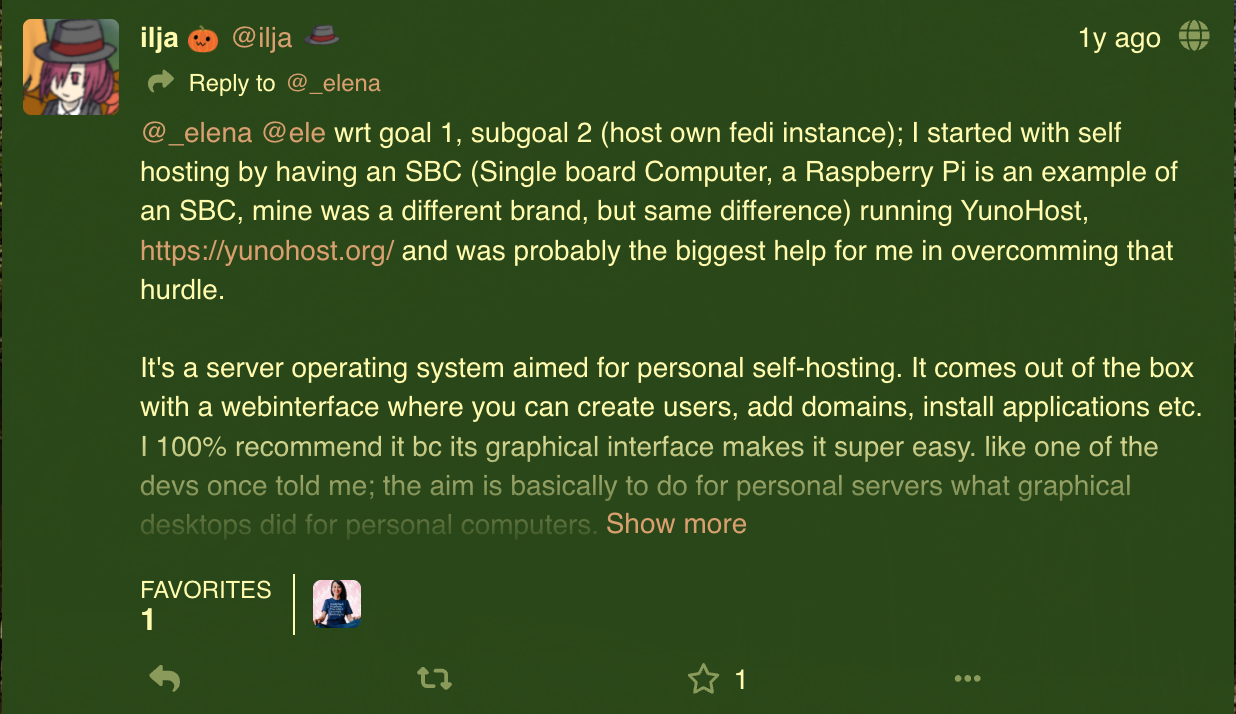
P.S.: eternal gratitude to ilja who first mentioned YunoHost to me in November 2024. Your toot changed my life!
P.P.S.: I'm planning to publish the second step in this self-hosting for newbies guide next week
💓 Did you enjoy this post? Share it with a friend!
👫 Follow me on Mastodon. All my other links are available here: elena.social
📽️ If you'd like to support my work, you could buy or rent my documentary The Illusionists on the globalization of beauty:

The Illusionists
THE ILLUSIONISTS is an award-winning documentary about the globalization of beauty and the dark side of advertising.
💌 If you'd like to say hi, my contact information is here
✏️ If this post resonated with you, leave a comment!